Budgetary Control
The Budgetary Control section allows you to manage budgets and ensure structured financial tracking.
It consists of two types of budgets:
Headquarters Budgets
Headquarters budgets are linked to the main office's activities.

- You can create a new headquarters budget using the "Create a new headquarters budget" button.

- Once created, the budget can be viewed and modified using the action buttons.

Project Budgets
Project budgets are directly linked to specific projects, allowing you to track expenses and budget allocations per project.

Interim Status
The Interim Status section allows you to create and track intermediate financial situations.

-
Click on "Create an intermediate situation"
-
Fill out the form
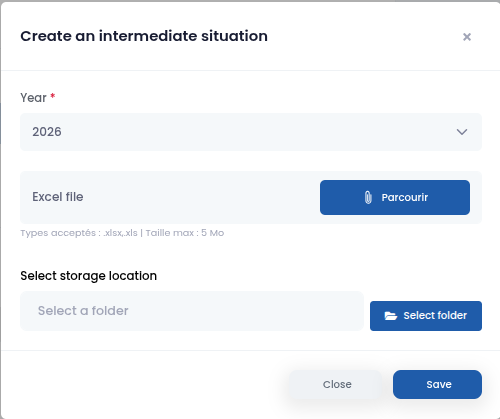
- Then save.
Created statuses can be viewed and modified at any time.
Results by Project (Business Unit)
This section allows you to add and view Results by Project documents.
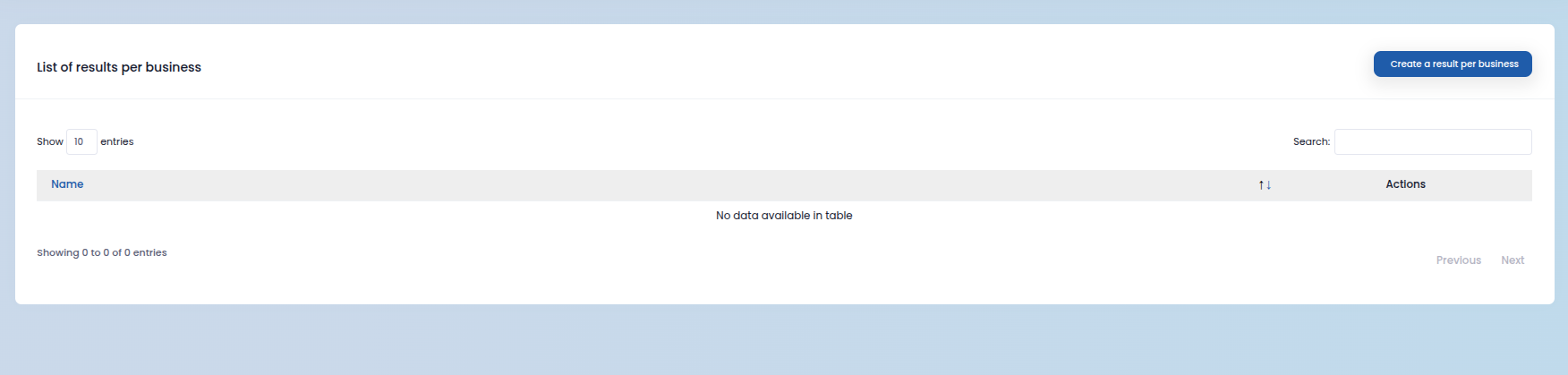
To add one:
-
Click on "Create a result per business"
-
Fill in the form,
-
Then save.