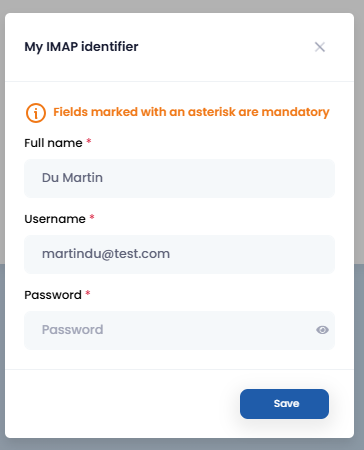
Requests
This section centralizes all requests on the platform. It consists of two parts:
-
the tasks list,
-
the expected files list.
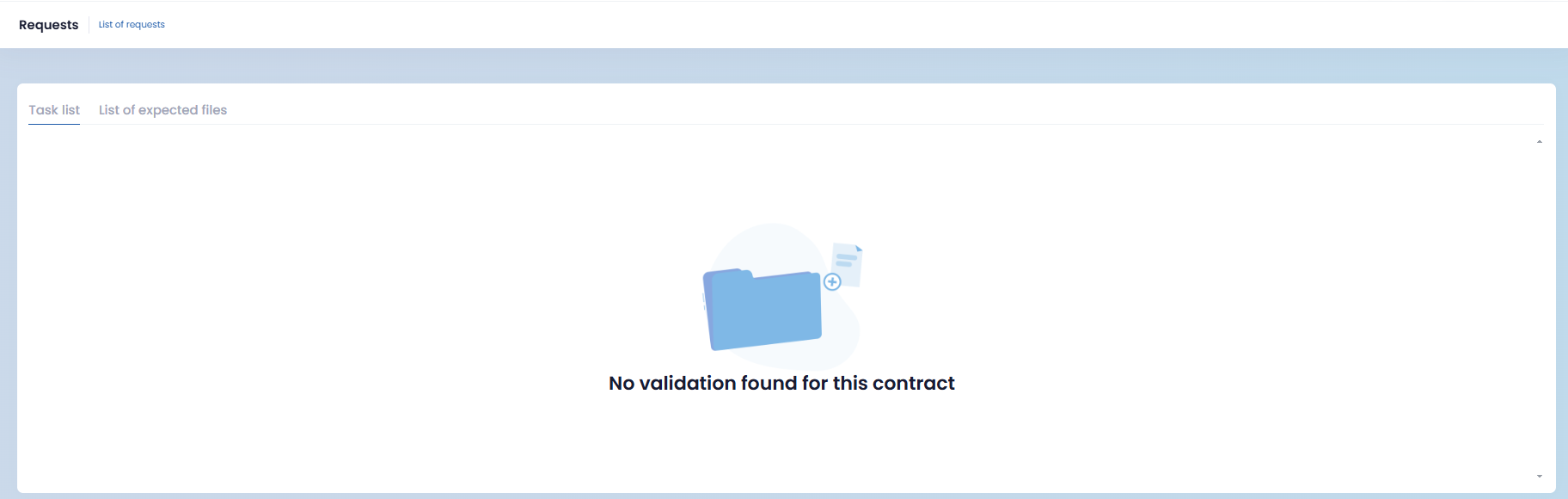
This is a view-only display for consulting required tasks and documents.
Appointments
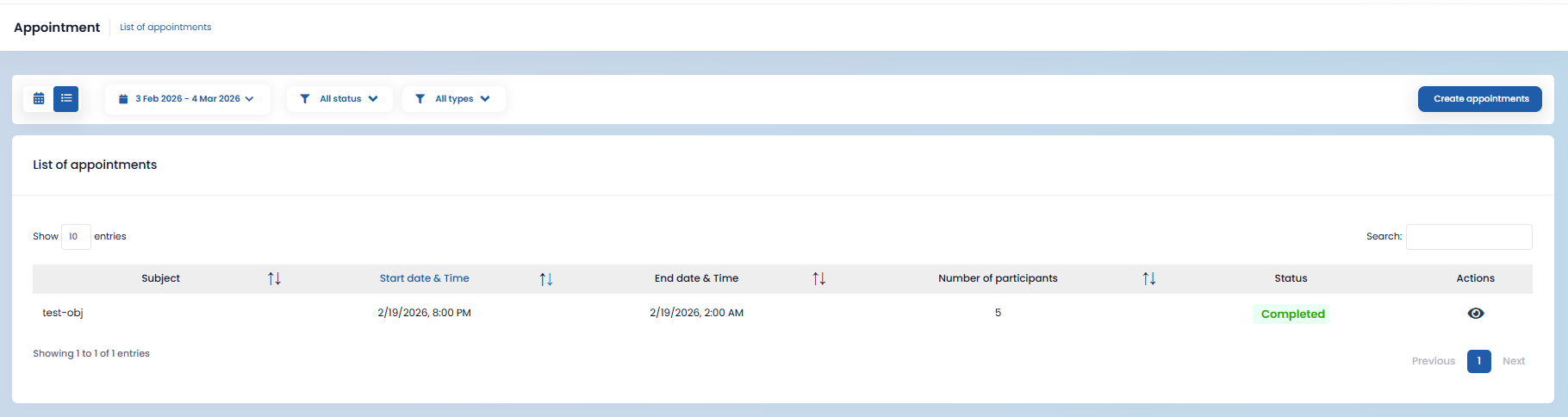
This section allows you to create and manage appointments.
To create an appointment, click on the "Create an Appointment" button, fill in the form that appears, and then save.
Activity Feed
The activity feed allows for publishing internal information and communications.
To create a post, click on "Make a Post", fill in the form, and then save.
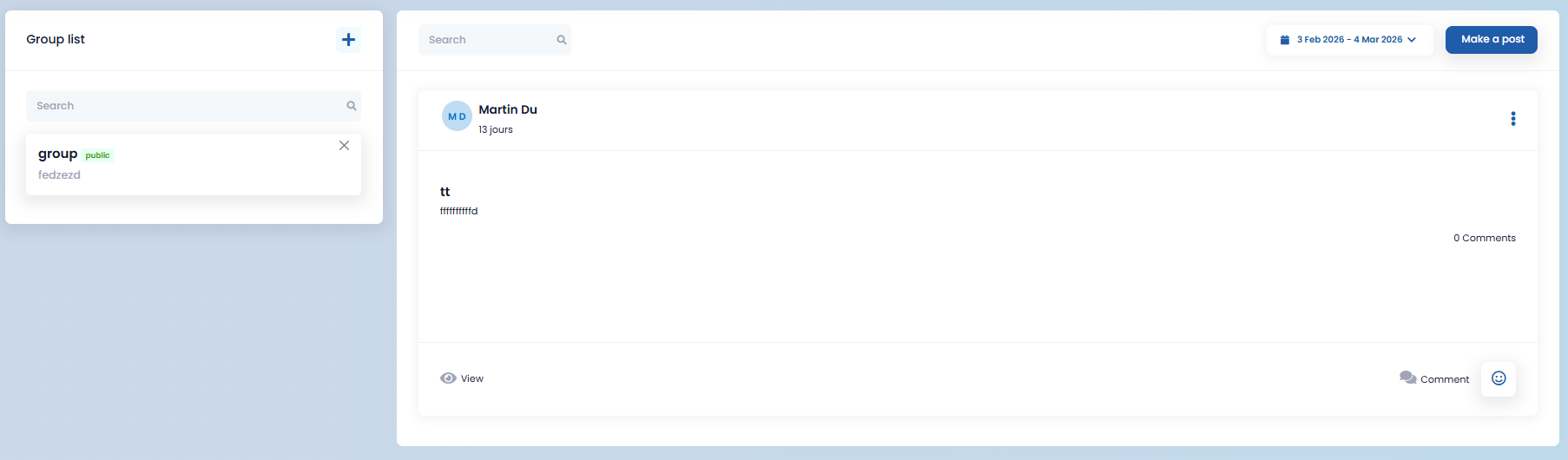
Posts can be addressed to specific groups. To do this, click on the "+" button, enter the required information, and then save.
Internal Memos
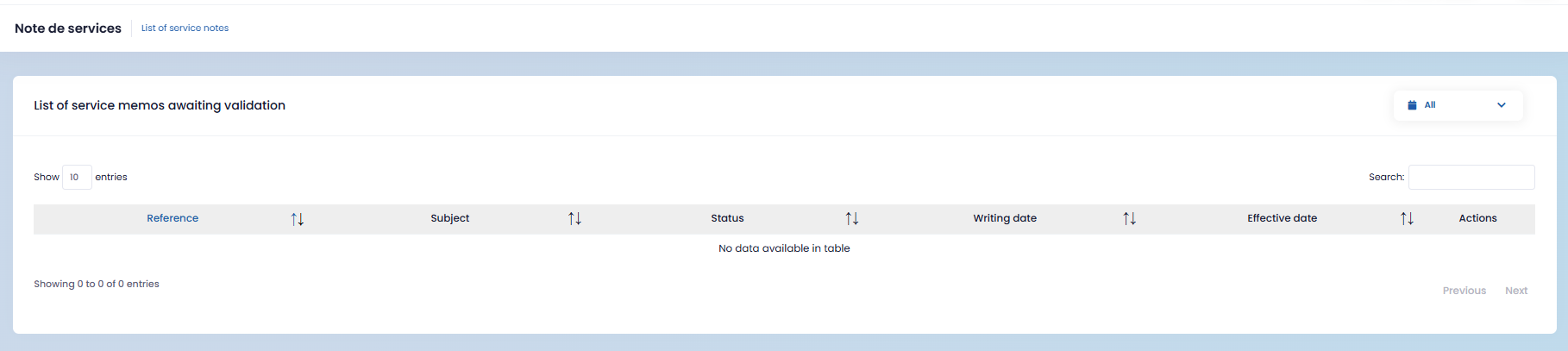
This section displays the list of internal memos pending validation. You can filter them by period (today, this month, last month).
Attendance Rate
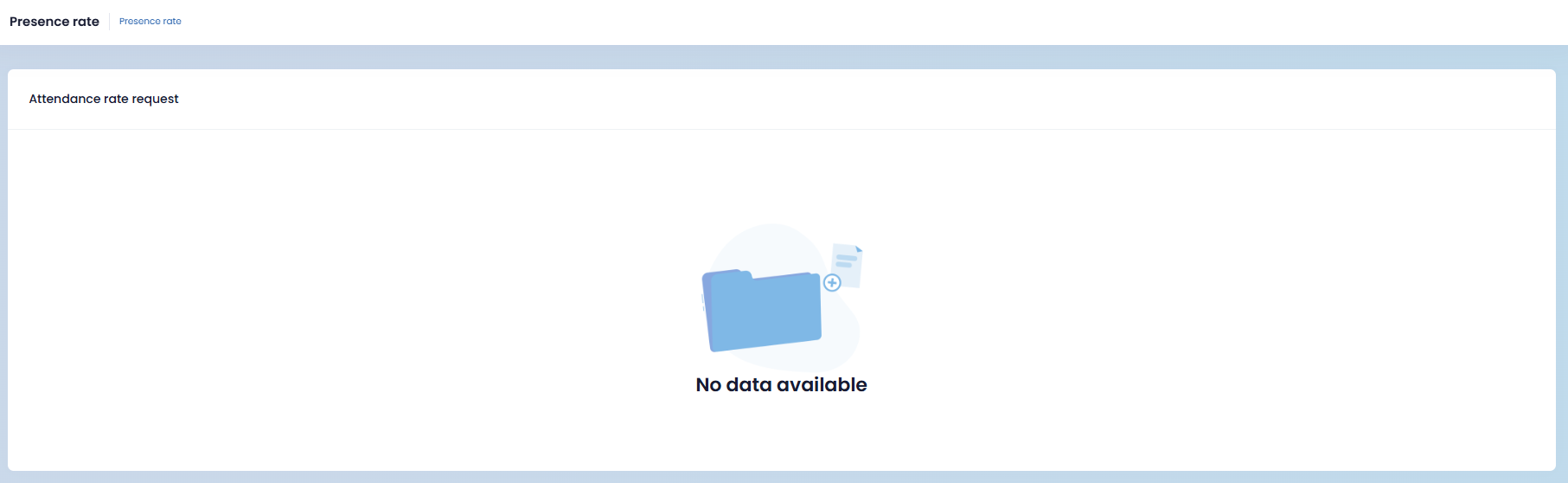
This section provides information regarding attendance rate requests and allows for their consultation.
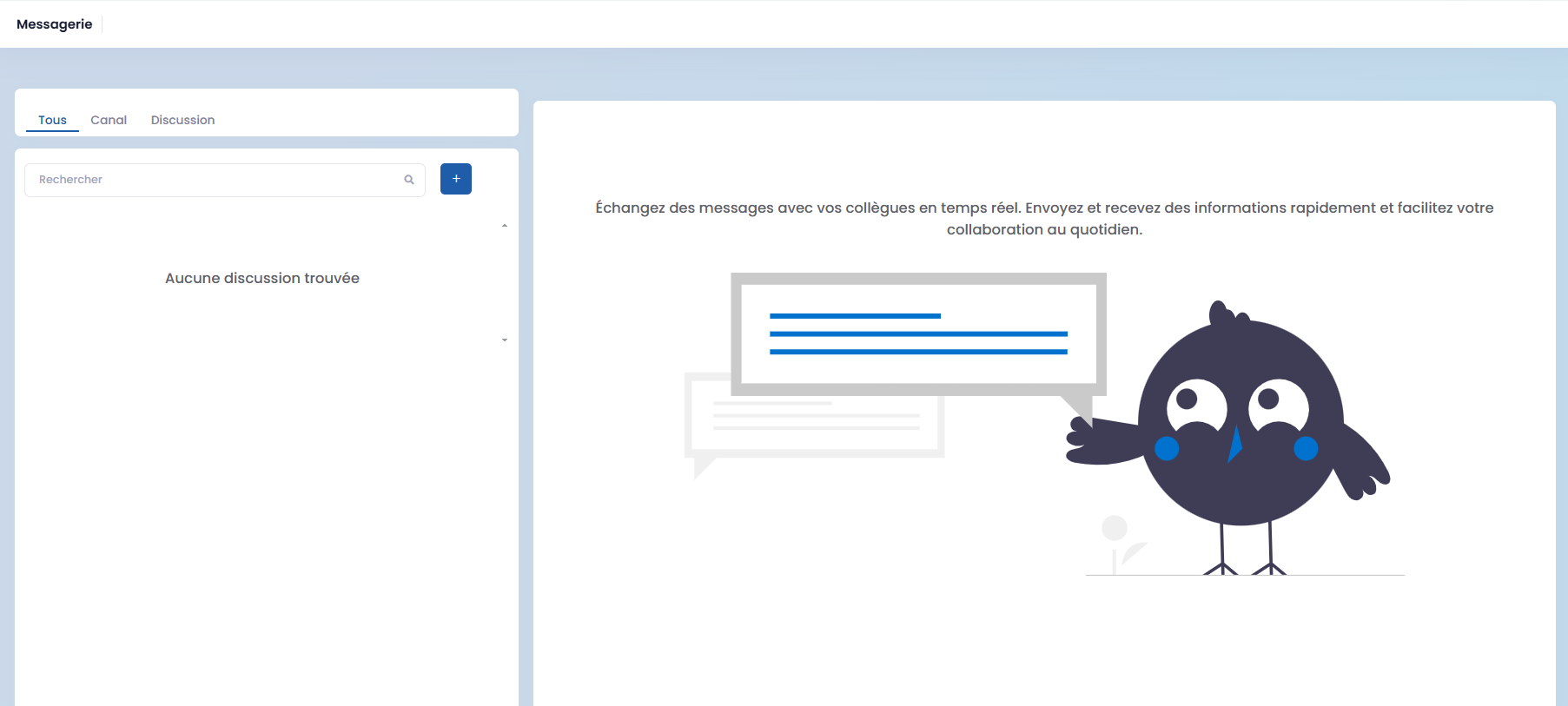
Chat
Evaluations
This section allows you to view and track the evaluations available on the platform.

Mail
This section groups all elements related to email communications.