Accounts
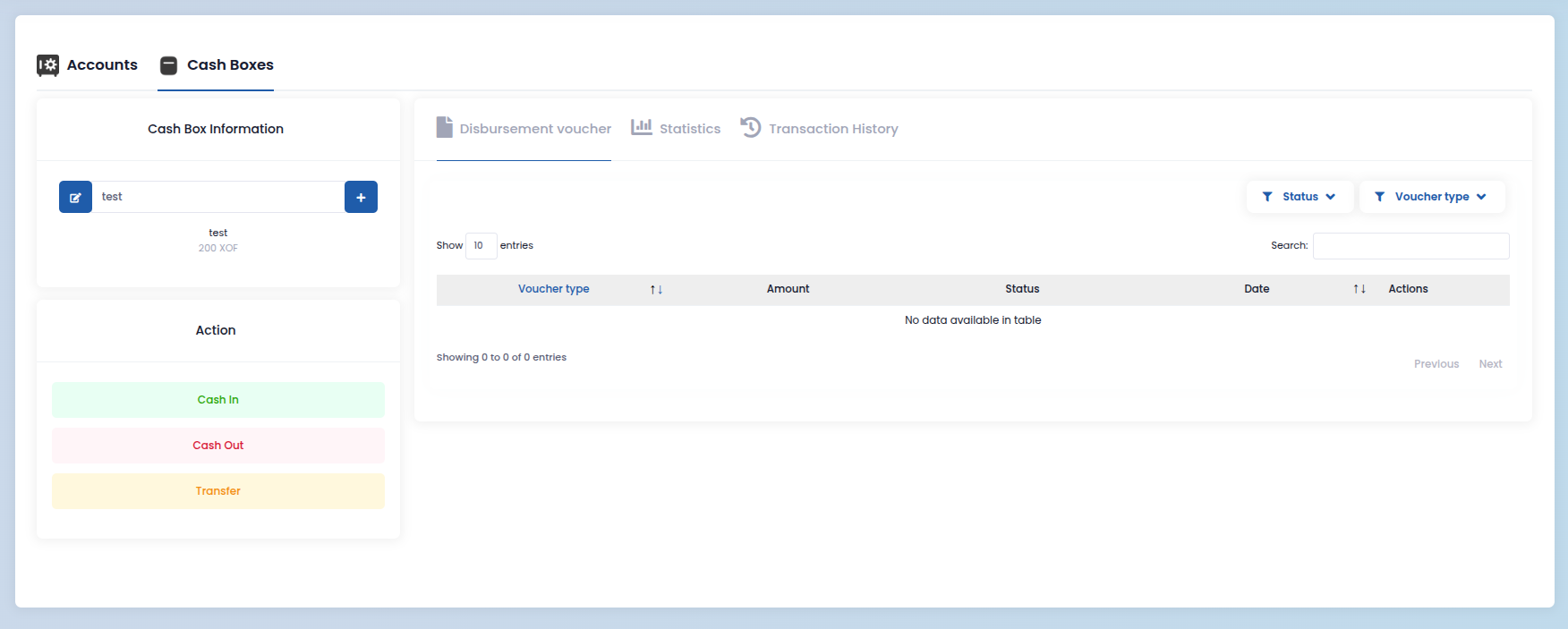
The Accounts section corresponds to the various financial accounts and cash funds available to your organization.
You can:
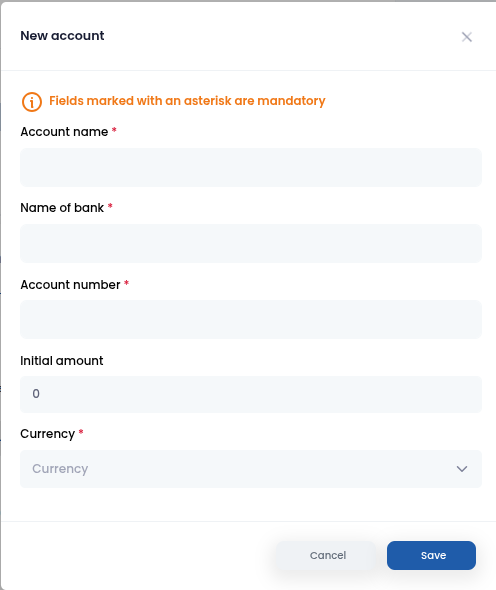
- create a new account by clicking the "+" button

- fill in the dedicated form
-
modify existing account information
-
record various financial movements via the Actions section:
- inflow voucher (receipt),
- outflow voucher (payment),
- replenishment (funding).
This section ensures comprehensive reporting of all operations performed on the accounts.
Inflow / Outflow Vouchers
The Vouchers section includes:
-
headquarters cash inflow vouchers,
-
headquarters cash outflow vouchers,
-
cash return vouchers.
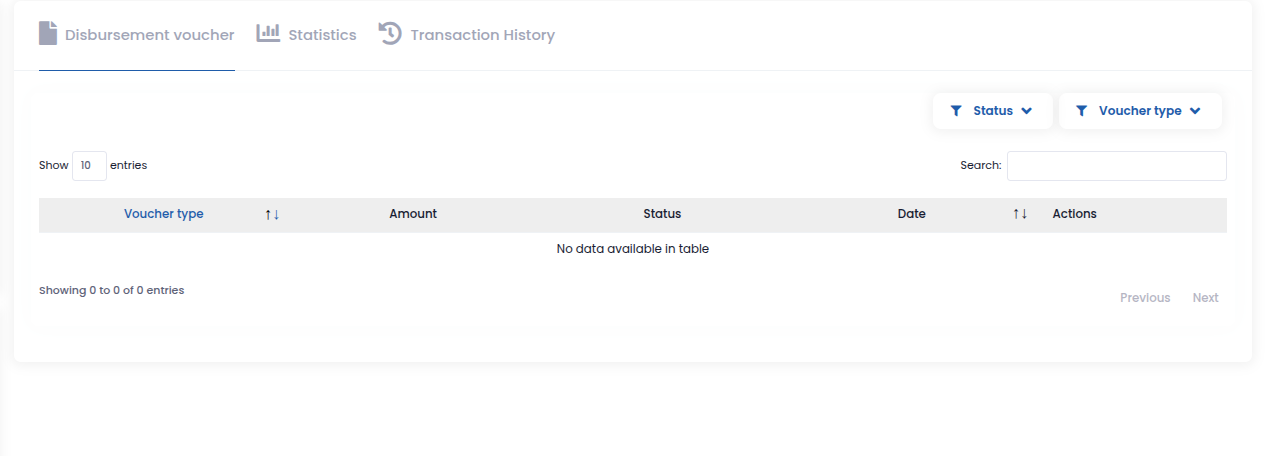
For each voucher, the action icons allow you to:
-
view,
-
edit,
-
delete,
-
download.
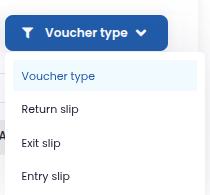
Two filters are available:

-
by status (draft, submitted for validation, pending validation, validated),
-
by voucher type (inflow voucher, outflow voucher, return voucher).
Statistics and History
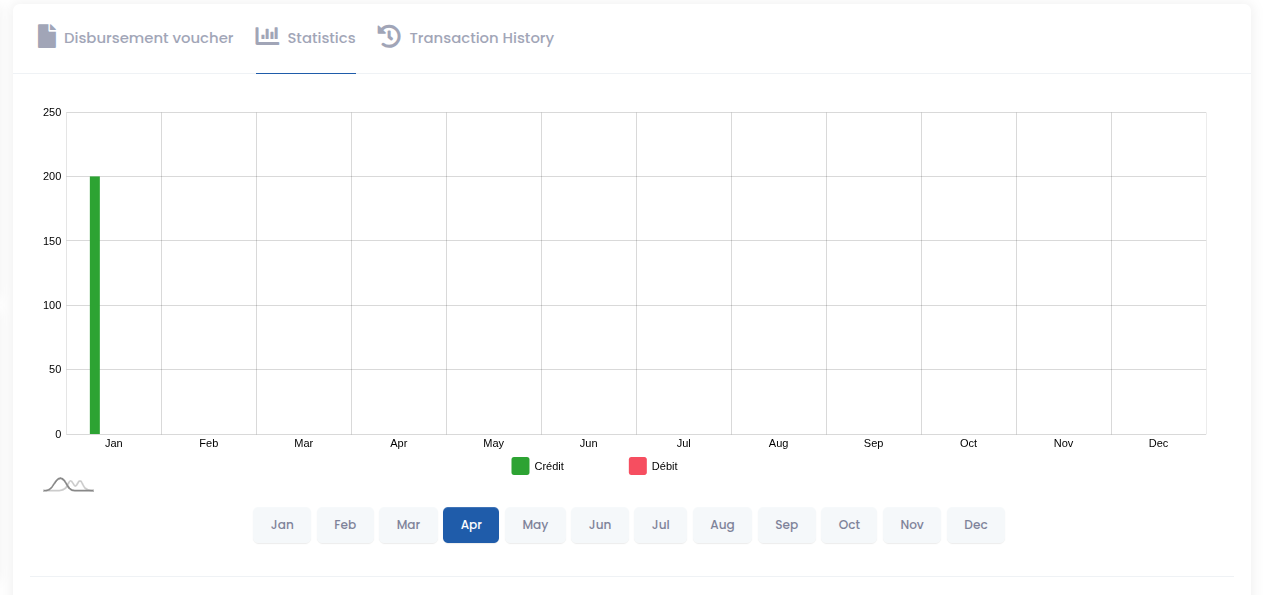
- The Statistics section displays the credited and debited amounts.
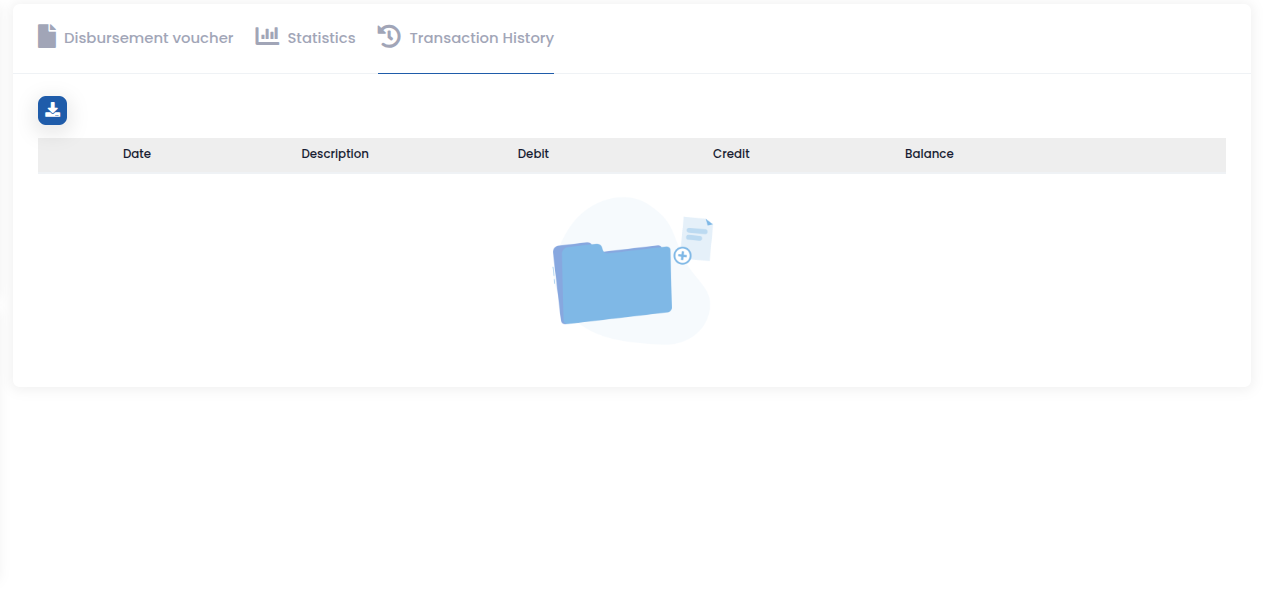
- The Transaction History section tracks all financial movements performed on the accounts.
Cash Funds (Petty Cash)
Cash Funds management operates on the same principle as Accounts, with the same tracking, action, and reporting features.